
Windows 10 end of support doesn’t have to mean scrambling for an answer. With free Extended Security Updates now running through October 2027, there’s genuine room to make a considered choice instead of a rushed one — but it still helps to know exactly what the realistic options actually are. Here’s a breakdown of all four paths forward, and who each one actually fits.
The Two Easy Paths
For a lot of people, the simplest answer is also the best one: if a PC passes Microsoft’s free eligibility check, upgrading to Windows 11 is the path of least resistance. The learning curve is smaller than most people expect — a centered Start menu and some rounded corners are about the extent of the visible change, while programs, files, and settings carry over as they were. It’s worth backing up important files to an external drive first as routine precaution, but for an eligible machine, there’s little reason to wait.
For anyone who’s tried Windows 11 and would rather not switch, staying on Windows 10 through the extended ESU window is a completely reasonable choice too, as long as it comes with a real plan for afterward. That’s where it’s worth understanding third-party options like 0patch, a micropatching service that continues issuing security fixes for unsupported versions of Windows. Its free tier only covers a narrow slice of critical zero-day vulnerabilities, though — the full set of ongoing legacy patches an unsupported system actually needs requires the paid Pro tier, running roughly $25 to $35 a year. Anyone leaning toward staying on Windows 10 long-term should budget for that if they want genuine protection once ESU eventually ends.
The Free Alternative: Linux vs Windows
For PCs that don’t qualify for Windows 11, the Linux vs Windows conversation is worth having seriously rather than dismissing outright. Linux Mint in particular is built to feel familiar to anyone coming from Windows — a bottom taskbar, a start-menu-style button, and a software manager that works like an app store. Everyday browser-based tasks like banking, email, and streaming work identically, and a free program called LibreOffice handles most Word and Excel files without issue.
The honest trade-off is that Linux asks a bit more of its user than Windows does — the occasional printer or niche program can require some troubleshooting. For anyone open to a little learning, it’s a genuinely capable, permanently free option that gives an otherwise-stranded PC a real second life. And it doesn’t require an all-or-nothing leap: running a full Linux Mint install from an external SSD, kept completely separate from an existing Windows setup, is a zero-risk way to try it out before committing to anything permanent.
The Fresh Start: New Hardware
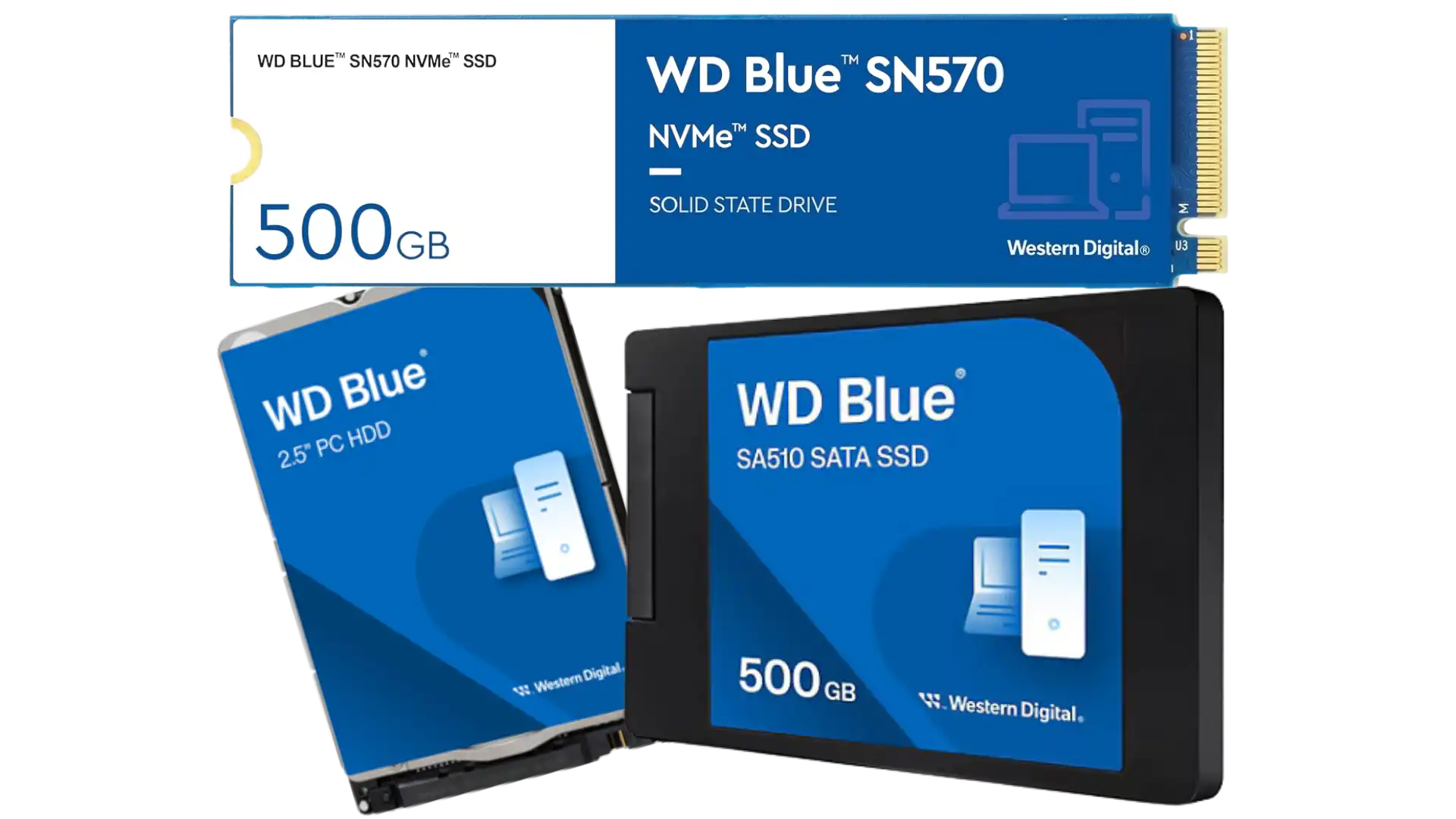
Sometimes a computer has simply reached the end of what any software change can fix. Before assuming a full replacement is necessary, though, it’s worth pricing out an upgrade instead — adding memory or swapping an aging hard drive for a solid state drive often delivers a dramatic speed improvement for well under a hundred dollars in parts, and that’s a smart move to consider especially while component prices remain a live concern for many buyers.
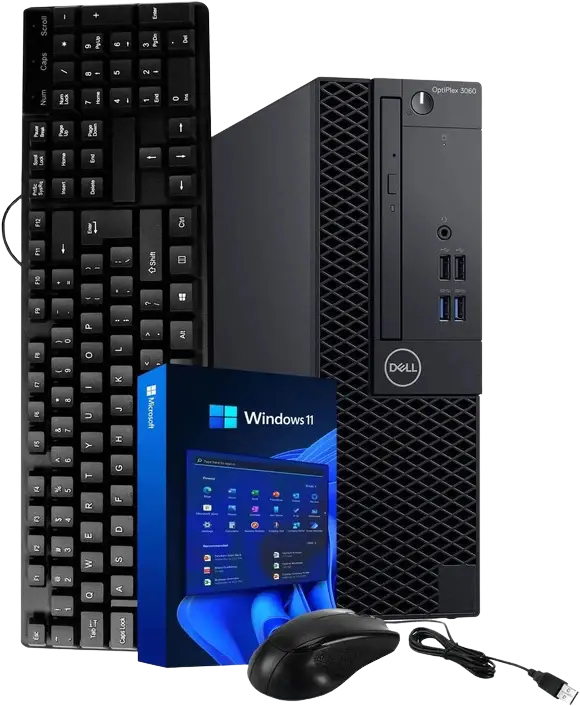
When a full replacement genuinely is the right call, there’s no need to overspend. A modest, budget-friendly machine handles everyday tasks like email, browsing, and video calls comfortably, and it arrives with Windows 11 and years of support already built in. Certified refurbished business PCs are also worth a look — often considerably cheaper than new, and reputable sellers back them with real warranties.
Choosing the Right Path
There’s no universally correct answer among these four options — only the one that fits a given PC and a given person’s comfort with change. An eligible machine has little reason not to take the free Windows 11 upgrade. A PC that’s ineligible but still running well is a strong candidate for Linux. A machine that’s been struggling regardless of any of this is better served by a modest upgrade or a budget replacement. And for anyone simply not ready to decide, staying on Windows 10 through 2027 remains a legitimate choice, provided the plan for afterward is a real one. What matters most is making the choice deliberately, with the full picture in view.
🛍️ Upgrades and Refurbished PCs Mentioned In The Video:
Western Digital Blue Hard Drives and SSDs on Amazon: https://link.amazon/B0gY4Qw9O
Refurbished PCs on Amazon: https://link.amazon/B0h0ocxMs
To see other tech products we use and recommend here at tektoc, check out our Amazon storefront: https://a.co/d/06puwppb
As an Amazon Associate I earn from qualifying purchases, which does not affect the price you pay. Thanks for supporting the site!
Discover more from tektoc
Subscribe to get the latest posts sent to your email.